一粒云文档智能与AI知识库

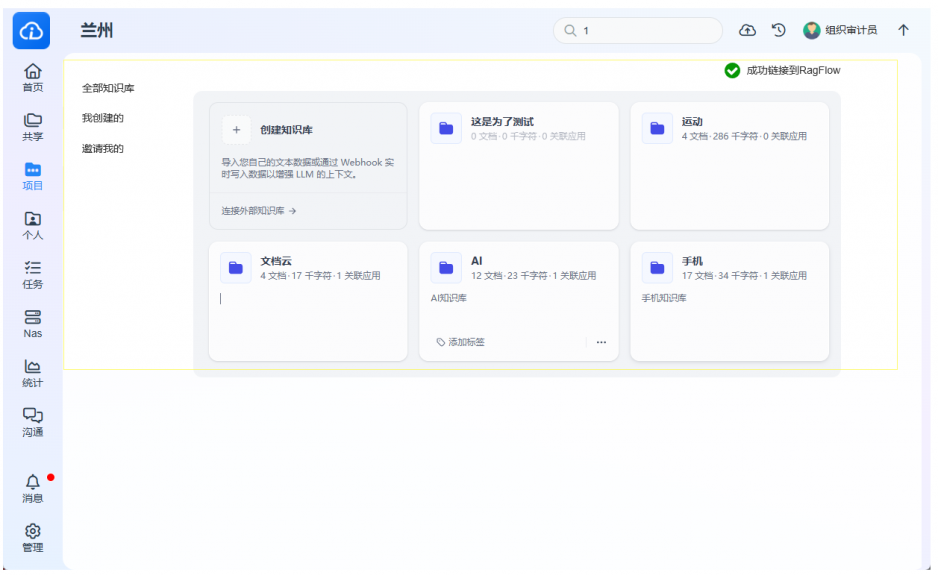
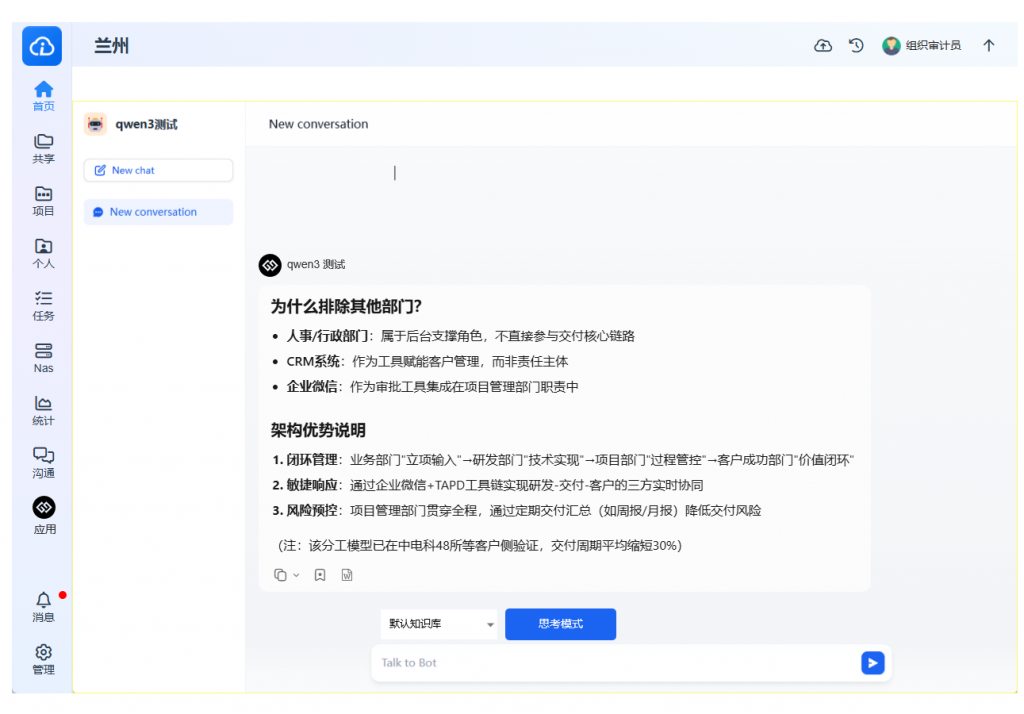
本文主要描写一粒云 KDOCS 文档智能与“企业AI知识库”模块功能设计、应用作用与价值特点 的详细说明,包含对 RAG(Retrieval-Augmented Generation)能力的落地化需求及技术支撑,适用于政企私有化部署场景。


🔍 一、功能模块概述:

一粒云AI知识引擎通过结合 NLP、大语言模型与企业级知识管理技术,为私有部署环境中的企业打造集“文档结构解析、信息提取、智能问答、知识重组与生成”于一体的 AI 增强型文档智能处理与知识中台系统。

系统具备完整的单文档智能处理能力多文档级知识库管理能力,并开放标准 API 支持业务集成、模型适配与写作生成。


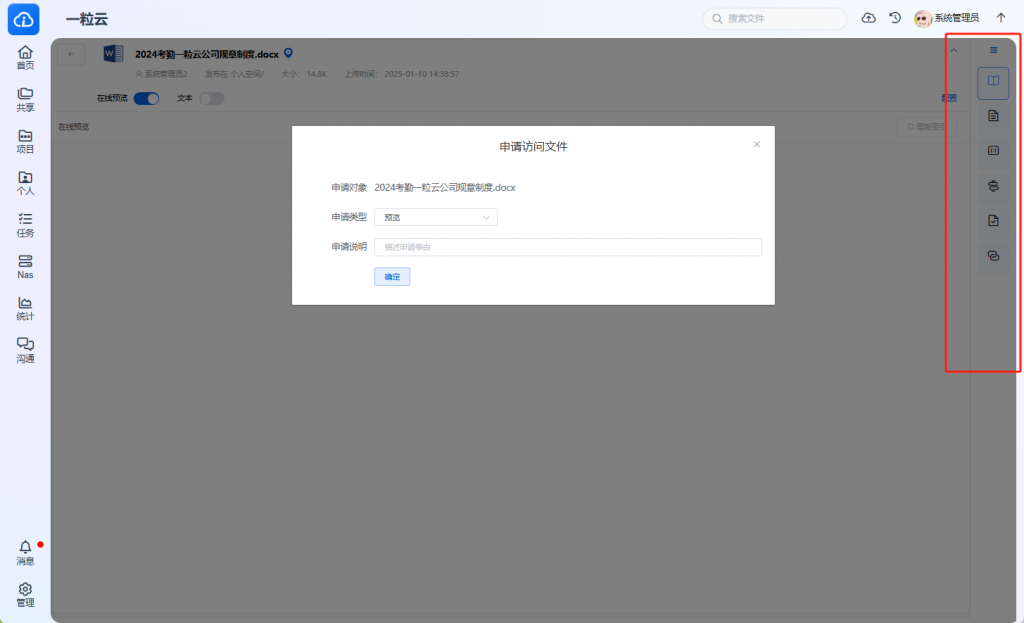
一粒云单个文档智能应用

🧠 二、单文件智能处理能力

功能点API作用企业价值
文档问答qa/single针对上传的某一文件进行结构化问答,支持中文、英文快速获取内容重点,节省通读时间
大纲摘要提取extract/summary提取段落级结构,生成目录或提纲提高文档导航效率,适配AI摘要
关键词标签提取extract/tags自动识别核心词汇与业务标签结构化分类文档,便于索引与搜索
整篇/滑词翻译translate/file支持多语言全文与高频词翻译海外业务或多语协作支持,消除语言壁垒
实体抽取extract/entities提取公司名、人名、时间、金额等关键实体生成知识图谱节点,支撑RAG召回
语义分段与内容定位parse/semantic按主题、逻辑结构解析文档段落为后续问答召回和搜索优化结构

📚 三、多文件处理与知识库管理功能

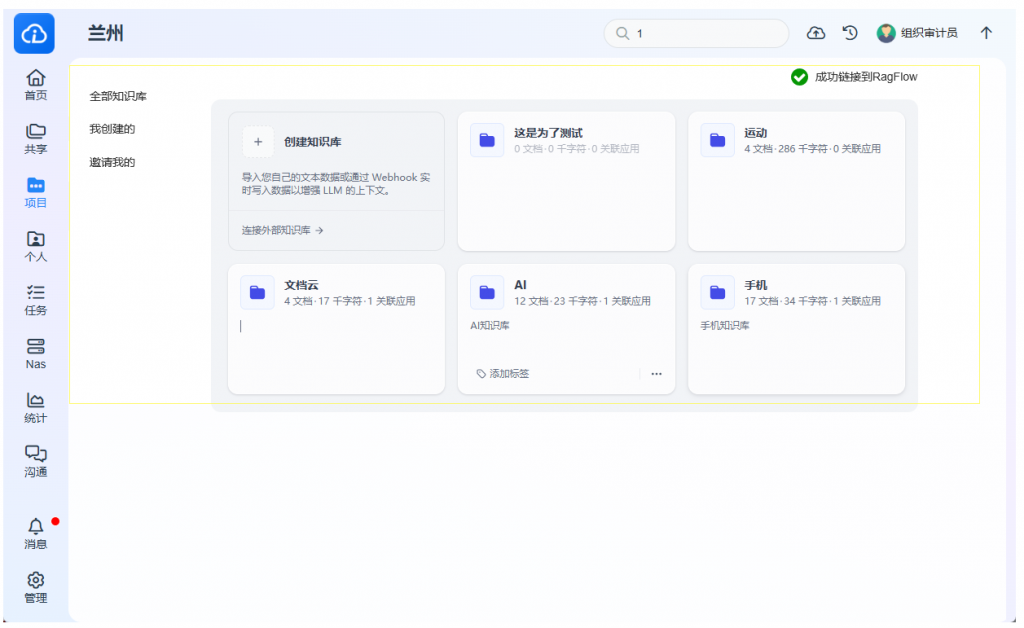
KDocs AI 支持企业建立多个独立的知识库,并对知识库进行管理、问答、内容抽取与生成,构建 AI 可用知识中台。

🧩 知识库核心能力

功能模块API 说明描述
知识库管理kb/create, kb/update, kb/delete, kb/list, kb/detail管理知识库生命周期
文档管理kb/upload, kb/get, kb/status上传、获取、查询文档处理进度
知识库问答kb/qa面向整个知识库语义理解后回答问题
知识库搜索召回kb/retrieve对上传文档进行embedding匹配召回段落
应用管理app/create, app/update, app/delete为不同业务创建知识库应用
模型与上下文配置config/model, config/context, config/prompt支持多模型切换、上下文窗口调整、提示词优化

✍️ 四、AI智能写作支持(可嵌入页面)

模块描述企业价值
基于知识库写作将知识库作为输入源,进行营销文案、公文草稿、汇报材料等撰写高效生成合规内容,助力政务、法务、销售等场景
基于模版生成按行业/场景模版写作(如合同、公函、方案)降低标准性内容撰写门槛
结构化生成支持提供字段填空、内容扩写、逻辑校对支持业务流程中表单/报告快速生成

⚙️ 五、系统性能指标与优化维度

指标说明优化方向
召回率检索文本块与用户问题匹配的准确度多粒度向量切分 + 语义增强检索
响应时间从请求到回答的整体耗时支持缓存机制、并发优化
问答准确性LLM 回答的正确性与贴合度提示词精调 + embedding 语义训练
安全合规性知识库私有部署、可审计不联网运行、权限控制

✅ 六、价值特点总结

特点描述
🛠️ 全功能私有化部署所有智能处理与生成功能均支持内网离线部署,保障数据主权
📦 模块API化,灵活接入所有能力通过 API 暴露,便于嵌入OA/ERP/BI等系统
🔁 知识资产循环利用从沉淀→分析→问答→写作→复用,形成完整知识闭环
📊 适配不同模型支持国产模型、开源模型(如Qwen, InternLM)自由挂载
🚀 快速部署,性能可调支持向量搜索引擎、缓存优化、多机扩展等性能策略

VLLM对比Ollama,6卡A5000 部署VLLM + Dify​​的详细教程


​一、硬件与基础环境准备​

​1. 服务器配置要求​

  • ​GPU​​:6×NVIDIA A5000(24GB显存/卡,共144GB显存)
  • ​内存​​:≥64GB RAM
  • ​存储​​:≥500GB SSD(推荐NVMe)
  • ​系统​​:Ubuntu 22.04 LTS / Debian 12

​2. 环境初始化​

# 安装基础工具
sudo apt update && sudo apt install -y docker.io nvidia-container-toolkit
# 配置Docker使用NVIDIA GPU
sudo nvidia-ctk runtime configure --runtime=docker
sudo systemctl restart docker

​二、VLLM多卡部署(6卡优化)​

​1. 安装vLLM​

# 创建虚拟环境
conda create -n vllm python=3.10 -y && conda activate vllm
# 安装vLLM(推荐0.5.4+)
pip install vllm -i https://pypi.tuna.tsinghua.edu.cn/simple

​2. 启动6卡推理服务​

vllm serve --model /path/to/model \  
   --tensor-parallel-size 6 \          # 并行数=GPU数量
   --gpu-memory-utilization 0.85 \     # 显存利用率阈值(6卡建议0.8~0.9)
   --max-num-seqs 64 \                 # 高并发优化
   --enforce-eager \                   # 避免多卡兼容问题
   --port 8000 \                       # 服务端口
   --api-key "your-token"              # 访问令牌(增强安全性)

​三、Dify部署与对接VLLM​

​1. 部署Dify服务​

# 拉取Dify代码
git clone https://github.com/langgenius/dify.git
cd dify/docker

# 修改配置(关键步骤)
cp .env.example .env
nano .env  # 修改以下参数:
# 模型端点指向VLLM服务
MODEL_PROVIDER=vllm
VLLM_API_BASE=http://localhost:8000/v1  # VLLM的OpenAI兼容API地址
VLLM_MODEL_NAME=your-model-name         # 与vLLM启动时的模型名一致

​2. 启动Dify​

docker compose up -d  # 自动构建容器

​四、外部应用API调用方法​

​1. 通过Dify调用(业务层)​

  • ​Dify API地址​​:http://<服务器IP>:80/v1(默认端口)
  • ​认证​​:Header中添加 Authorization: Bearer {DIFY_API_KEY}
  • ​请求示例​​(生成文本):
import requests
url = "http://<服务器IP>/v1/completion"
data = {
  "inputs": "你好,介绍一下vLLM",
  "response_mode": "blocking"
}
headers = {"Authorization": "Bearer dify-api-key"}
response = requests.post(url, json=data, headers=headers)

​2. 直接调用VLLM(高性能场景)​

# 使用OpenAI兼容API(Python示例)
from openai import OpenAI
client = OpenAI(base_url="http://localhost:8000/v1", api_key="your-token")
response = client.chat.completions.create(
  model="your-model-name",
  messages=[{"role": "user", "content": "解释量子力学"}]
)

​五、VLLM对比Ollama的核心优势​

​维度​​VLLM​​Ollama​
​多卡支持​✅ 原生6卡张量并行(--tensor-parallel-size=6❌ 仅支持单卡,多卡需手动切换
​吞吐量​⭐ 连续批处理技术,6卡并发提升5-10倍⚠️ 单请求处理,并发能力弱
​生产就绪​✅ 工业级部署(API密钥、监控、扩缩容)❌ 定位开发测试,无企业级特性
​显存管理​✅ PagedAttention动态分配,支持百亿模型⚠️ 全模型加载,易OOM
​安全性​✅ 内置API密钥认证❌ 默认无认证,需Nginx反向代理

💡 ​​关键结论​​:
VLLM是​​生产级AI服务​​的首选,尤其适合高并发、低延迟场景(如API服务);
Ollama更适合​​本地快速原型验证​​,但在多卡利用率和安全性上存在明显短板。


​六、常见问题排查​

  1. ​多卡启动失败​​: export VLLM_WORKER_MULTIPROC_METHOD=spawn # 解决多进程卡死
  2. ​显存不足​​:
    • 降低--gpu-memory-utilization至0.7
    • 添加--swap-space 16 使用主机内存扩展
  3. ​Dify连接VLLM失败​​:
    • 检查.envVLLM_API_BASE是否含/v1路径
    • 确保vLLM启动参数含--api-key且与Dify配置一致

部署完成后,可通过 nvidia-smi 监控GPU利用率,正常运行时6卡负载应均衡(±5%差异)。

英文参考原文:Based on the information available, here’s a comparison of vLLM and Ollama, two popular frameworks for running large language models (LLMs) locally: 

vLLM 

  • Focus: High-throughput, low-latency LLM inference and serving, particularly suited for production environments.
  • Key Features:
    • PagedAttention: A memory management technique that optimizes GPU memory usage for faster inference speeds, especially with long sequences and large models.
    • Continuous Batching: Processes incoming requests dynamically to maximize hardware utilization.
    • High Performance: Consistently delivers superior throughput and lower latency, particularly for concurrent requests.
    • Scalability: Designed for scalability, including support for tensor parallelism and pipeline parallelism for distributed inference across multiple GPUs or nodes.
    • OpenAI-compatible API: Simplifies integration with applications.
  • Hardware Requirements: Optimized for high-end, CUDA-enabled NVIDIA GPUs, although it technically supports CPU inference (less optimized).
  • Ease of Use: Offers more control and optimization options but has a steeper learning curve, requiring more technical knowledge for setup. 

Ollama 

  • Focus: User-friendly, local deployment and management of LLMs, prioritizing simplicity and accessibility.
  • Key Features:
    • Ease of Use: Offers a streamlined workflow for downloading, running, and managing models with a simple command-line interface (CLI) and an OpenAI-compatible API.
    • Broad Hardware Compatibility: Works well on both GPUs and CPUs, making it accessible to users with consumer-grade hardware.
    • Local Deployment with Privacy: Ensures data privacy and control by keeping data processing within your local environment.
    • Adaptable: Supports various model types and offers token streaming for faster responses.
    • Growing Performance: While potentially slower than vLLM on high-end GPUs, recent updates have significantly improved its performance.
  • Hardware Requirements: Designed to work reasonably well even on consumer-grade hardware.
  • Ease of Use: Prioritizes simplicity, making it easy to install and run models with just a few commands. 

In Summary:

  • Choose vLLM when: You need maximum performance and scalability in production environments, especially when utilizing high-end GPUs for high-throughput workloads.
  • Choose Ollama when: You prioritize ease of use, broad hardware compatibility (including CPU-only setups), and local data privacy for development, prototyping, or simpler projects. 

Hybrid Approach:

It’s worth considering a hybrid approach where you use Ollama for development and prototyping and then deploy with vLLM in production for optimal performance.